Pilot record type
Rather than describing every department's tasks at once, consider a pilot around one recurring record type and the relevant teams. Existing files, approval messages and error examples reveal real conditions.
Business workflow and automation solutions that speed up your processes and reduce operating costs.
Start by breaking recurring work into steps. We first discuss where a record comes from, who checks it and which system receives it. If an employee checks a request form and re-enters it in another program, the automation need lies between those actions. Input, business rules and expected output are considered using the same example, including the process owner's decision.
Rather than describing every department's tasks at once, consider a pilot around one recurring record type and the relevant teams. Existing files, approval messages and error examples reveal real conditions.
Together, we identify automated steps, points returning to a person and where results will be monitored. Bring one correctly completed record and one problematic record to assess everyday benefits through actual behaviour.
Define a sample flow clearly so you can follow each transfer stage. A business request arrives, required fields are validated, an authorised person approves it and the suitable record is transferred to its destination. Missing or rejected records can be set aside in an error queue.
A missing client number may need correction; a temporary destination outage may need a retry. Pending approvals can be tracked separately from records ready to transfer. Queue details may include reason, last attempt and owner.
Checking destination acceptance before resending is also part of the design. Discuss successful and exceptional flows together to clarify what your team should do in each situation.
This is an example scenario for a new project. Share mandatory fields and the approving role to adapt it to your own requests.
Identify the source and record ID. Review the fields in a sample request.
Assess required fields and business rules. Separate cases such as missing client numbers.
Define the decision-making role before transfer and the display of pending records.
Discuss which information confirms that the approved record was accepted at its destination.
Choose how records needing correction or retry should reach the responsible person.
Assess connection methods against what the existing system offers. An API allows discussion of fields, authorisation and responses for direct integration. Regular file exports emphasise format, transfer frequency and validation. Tools requiring screen interaction may be considered for RPA. A daily order file and an immediate API response create different workflows.
Changes to field positions or login methods may require an RPA flow review; changed file columns may require checks. API versions and access conditions are also considered. Python, Node.js, RPA and API Integration are on our technology list.
We choose methods around your resources, permissions and error conditions. Bring sample outputs or available connection information to make the automation opportunity concrete.
| Automation integration: choose connections around available access | Connection conditions | Work to discuss in scope |
|---|---|---|
| API | The system provides a defined data and transaction interface. | Field mapping, access, responses and error states. |
| Files | The system exports records in a specific format. | Columns, file sequence, duplicates and checks. |
| RPA | Actions are carried out through an accessible screen. | Screen changes, login conditions and intervention. |
Check the meaning of destination data from the outset. Validation may cover accepted formats and relationships as well as populated fields. If a request has a date but a client number belonging to another record, we discuss the rule to apply before transfer. Source-to-destination mapping, missing values and correction responsibilities can be included in pilot scope.
Show where source file information should go in the destination.
Discuss who receives incomplete or incorrect rows.
Bring approval tasks to the right person. Record preparation, checking and transfer approval can be separate roles. An employee might create a purchase request while a departmental owner reviews budget or content. Explain which decisions require human approval and which checks can follow a defined rule. Access and transaction permissions are assessed with this responsibility split.
Approval order, return reasons and reassessment can be scoped. Whether an old approval remains valid after correction is a business rule to discuss. Cancellation, role changes and unavailable approvers may become sample scenarios.
Our existing project describes departmental workflows in one structure; your roles and decisions depend on your own process. Bring approval messages and checklists to explain how your team works.
Identify who checks records before transfer.
Share which decisions must be renewed when a returned record changes.
Define how work resumes after temporary interruptions. If a destination cannot be reached, waiting states, retries and user information may be discussed. When a request was sent without a response, check destination acceptance before creating it again. Record IDs, transaction states and destination behaviour inform this decision. Resending rules depend on available connection capabilities.
Discuss how to check the destination when a record receives no response.
Share the fields distinguishing new requests from repeated submissions.
Make records needing review actionable. Discuss displayed reasons, editable fields and how records are reprocessed. If a client code is absent at the destination, an authorised employee might correct it before transfer is reassessed. Separating connection and data errors helps assign the right owner. Correction is planned together with user permissions.
Written scope may cover who stopped a task, changed information and restarted it. Define conditions for batch retries or cancellation if needed. Explain today's correction method: is a failed request returned by email, marked in a file or passed to another team?
Use that example to assess notifications, queue display and responsibility. Daily operation becomes as concrete as the initial workflow design.
Assess data corrections and connection errors with their respective owners.
Share the roles of people correcting and restarting records.
Assess pilot value against your own starting data. Review how the selected record type is handled, where it waits and where corrections arise. Completed records, error reasons, intervention and waiting can inform measures suited to your business. For request transfers, success can mean creating the correct destination record and letting the team verify it, alongside transferred rows.
Teams, sources, transaction types and acceptance examples can be defined in writing. Comparing the same examples before and after the pilot supports the next scope decision. We discuss how measurement fields are collected and who approves results.
Assessment uses your starting and post-implementation records. Share the most time-consuming step and the output you want to check, so criteria reflect your operating conditions.
Let us review correct records, errors and waiting examples together.
Discuss the person and data fields used to verify the pilot outcome.
Assess the elements that keep daily work running. Source connections, mappings, rules, approvals, errors and monitoring screens can be separate written requirements. For file transfers, where a file is collected and who reviews faults matter alongside processing a sample. Tests may include correct records, missing data, duplicates and outages.
We discuss checks after changes to external screens, API fields or file formats. Access details, job execution, fault reports and new rules depend on operation scope. Reports and notifications need recipients, content and timing agreed separately.
Your business is responsible for use and entered data, as explained in the service agreement. Source code is not transferred under the standard model; alternatives require a separate written agreement. Review these operational items alongside the technical flow.
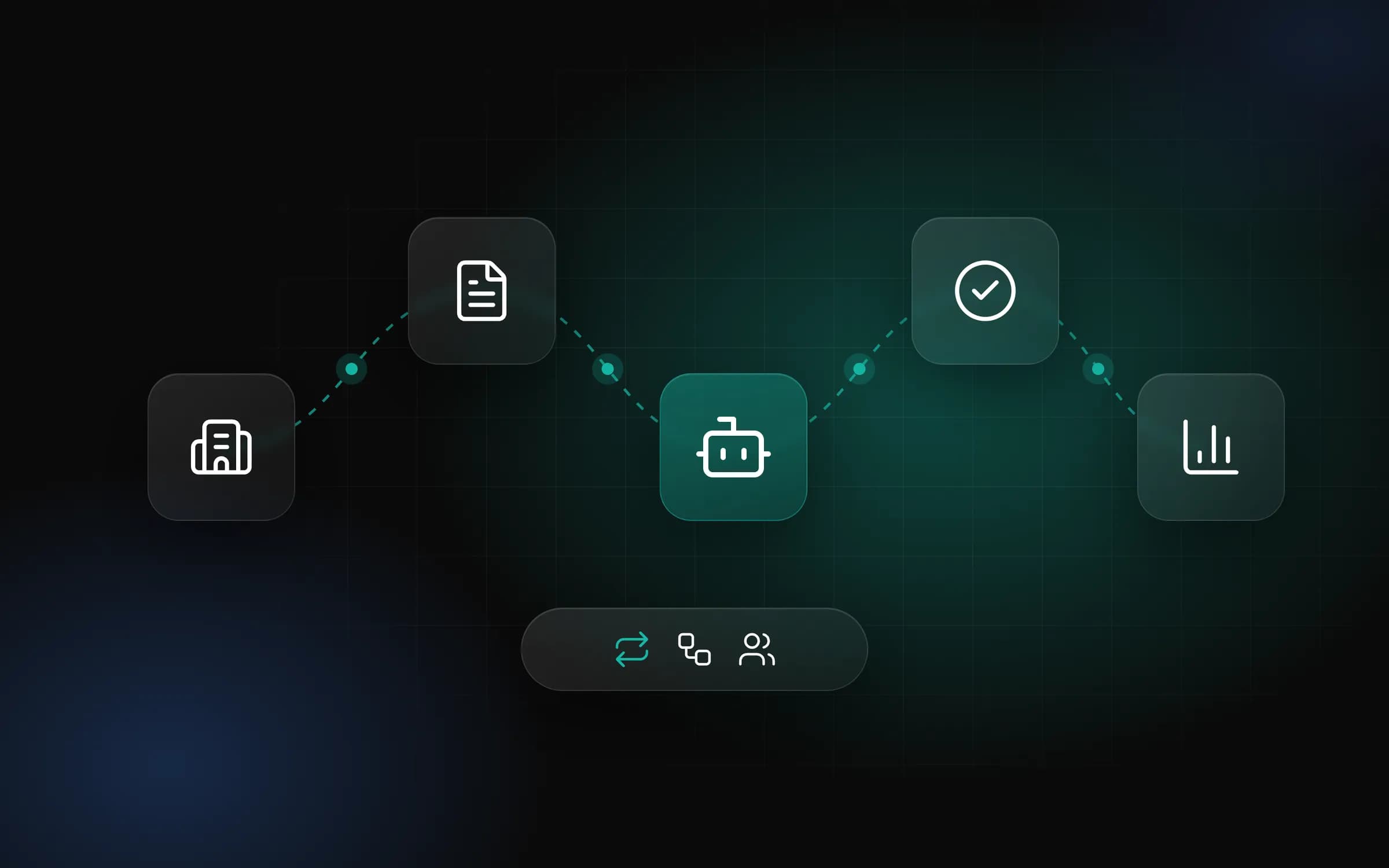
Begin process discussions with examples from existing work. Our small-business workflow automation article helps assess recurring tasks and connections. The Corporate Workflow Automation case study describes departments tracked together and steps carried out by RPA bots. The illustration connects departments through bots and approvals; your project's record and check conditions are defined within its own scope.
A correct record, a problematic one, your file format and the roles managing the process can be enough to start. Source access and accepted destination fields influence connection choices too.
Share a pilot record type and the result you want to assess through the contact form. We can then discuss validation, approval, transfer and error intervention within the same transaction and write a scope around clear daily steps.
Choose recurring work with a defined source and output. Checking a request and transferring it to another system could be a pilot. Discovery can assess correct and faulty records alongside the responsible roles.
Share the existing system's access options. APIs are assessed through fields and responses, files through format and checks, and screen tasks through RPA and change conditions. The method is chosen within project scope.
Define decision responsibility through your process. Approvers, pending records and return conditions can be scoped. Whether a corrected record needs renewed approval is discussed as a business rule.
Assess an interruption alongside connection behaviour. Waiting states, retries and destination acceptance checks are designed for the project. Written scope defines where the team monitors work and when it intervenes.
Define duplicates through your records. IDs and relevant fields distinguish repeated submissions from new requests. Destination responses and resending behaviour are also considered.
Agree review and correction roles early. Reasons, editable fields and reprocessing permissions can be scoped. The employee correcting client codes may have a different role from the person investigating an outage.
Choose measures suited to your baseline. Completed records, error reasons, waiting and manual intervention can be considered. Pilot scope and acceptance examples are agreed, and results are reviewed against your measurement data.
Include change checks in operation scope. Screen, API field or file format changes may require flow review. Monitoring, fault reporting and maintenance responsibilities are discussed in the written proposal.
Clarify terms in the service agreement. We develop and operate the software; your business is responsible for use and entered data. Standard subscriptions do not transfer source code; another model requires a separate written agreement.
Start with a real transaction. A source file or connection details, destination fields, approving roles and an error example make discovery concrete. Share your preferred pilot task; a written scope proposal follows.
Share a daily task, your team's roles and your current tools. Together, we can define the right scope in a discovery conversation.
Start the Project