Field connectivity
For a field worker entering records, describe where connectivity is available, which information appears and when the task is completed. For occasional customer applications, downloading an app is also part of the decision.
Native and cross-platform mobile apps for iOS and Android, and immersive games.
Make users' work easier through the appropriate access route. When choosing a mobile app or mobile-friendly website, start with frequency of use and the task itself. A browser-based site may be enough for visitors reading services and contacting you. Regular learning sessions, device interaction or a game experience may call for a separately scoped app. We base the decision on daily user needs rather than the application label.
For a field worker entering records, describe where connectivity is available, which information appears and when the task is completed. For occasional customer applications, downloading an app is also part of the decision.
Device features, notifications and offline work are assessed for each project's scope. Share your users, devices and a recurring task to compare mobile development with mobile web needs.
Complete everyday work wherever you are. Customer information, task lists, record entry and approvals can be considered around your working practices. If a field team enters information after a job and a manager reviews it later, the two roles need different screens. We discuss data visible on the phone and the actions available alongside this division of responsibilities.
Describe the field worker preparing information and the manager checking it.
Discuss how pending, sent and accepted records should appear.
Turn your game idea into player actions. The core gameplay loop, controls, tasks and feedback matter alongside the opening screen. In a timed delivery game, setting off, finding an address and completing delivery form a loop. Business apps focus on correct records and task completion; games help players learn rules and progress through an experience. We discuss these as separate scopes.
Choosing 2D or 3D involves scenes, controls and target device conditions. Unity is among our game technologies; scene and performance needs are discussed for the project. Task variety, sound, animation, saved progress and revenue models can be scoped when needed.
Bring a short gameplay description: what does the player do, what feedback follows and how does another attempt begin? This concrete loop provides a useful first assessment.
Share a short example of player movement, objective and task outcome.
Let us discuss controls, visual requirements and target devices together.
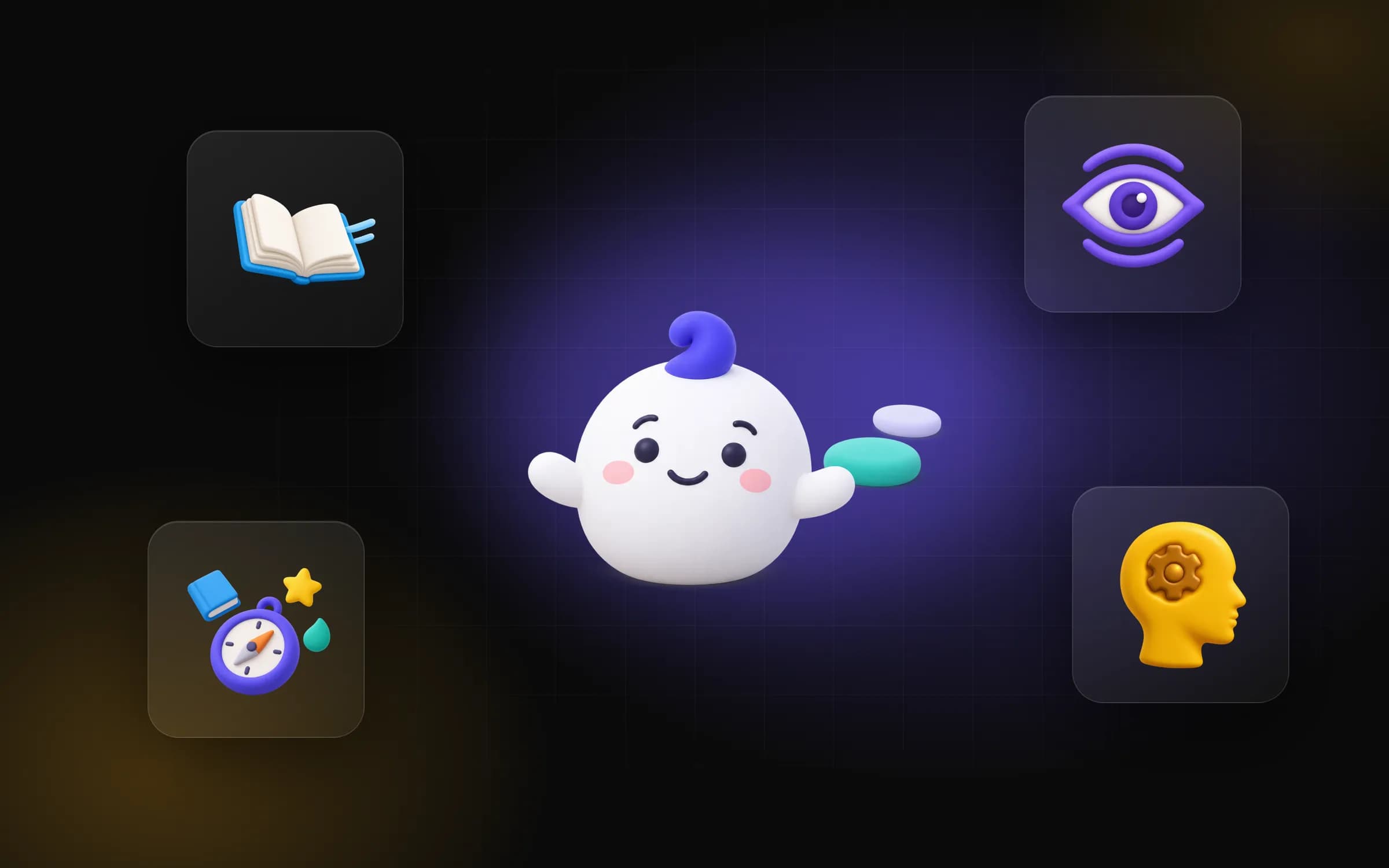
Explore a user journey through an existing mobile product. ALGO is Feza Innovation's own learning app, combining reading, attention and eye exercises with Beta language courses. Its project record lists Android and development status. The first lesson can be tried without an account; results and progress are recorded. The cover illustrates mascot Algo and learning areas. Use this example to consider the steps from a first trial to regular learning. The app interface and linked application page are in Turkish.
In ALGO, an adult account opens a child profile with parental consent; switching to child mode closes the adult session. A teacher's access to the child's work depends on a parent accepting an invitation, and the parent can revoke access. Language courses are Beta and teacher review continues.
These behaviours show how approvals and access rules belong in a learning product's scope alongside its screens. Your project's roles and checks are discussed separately.
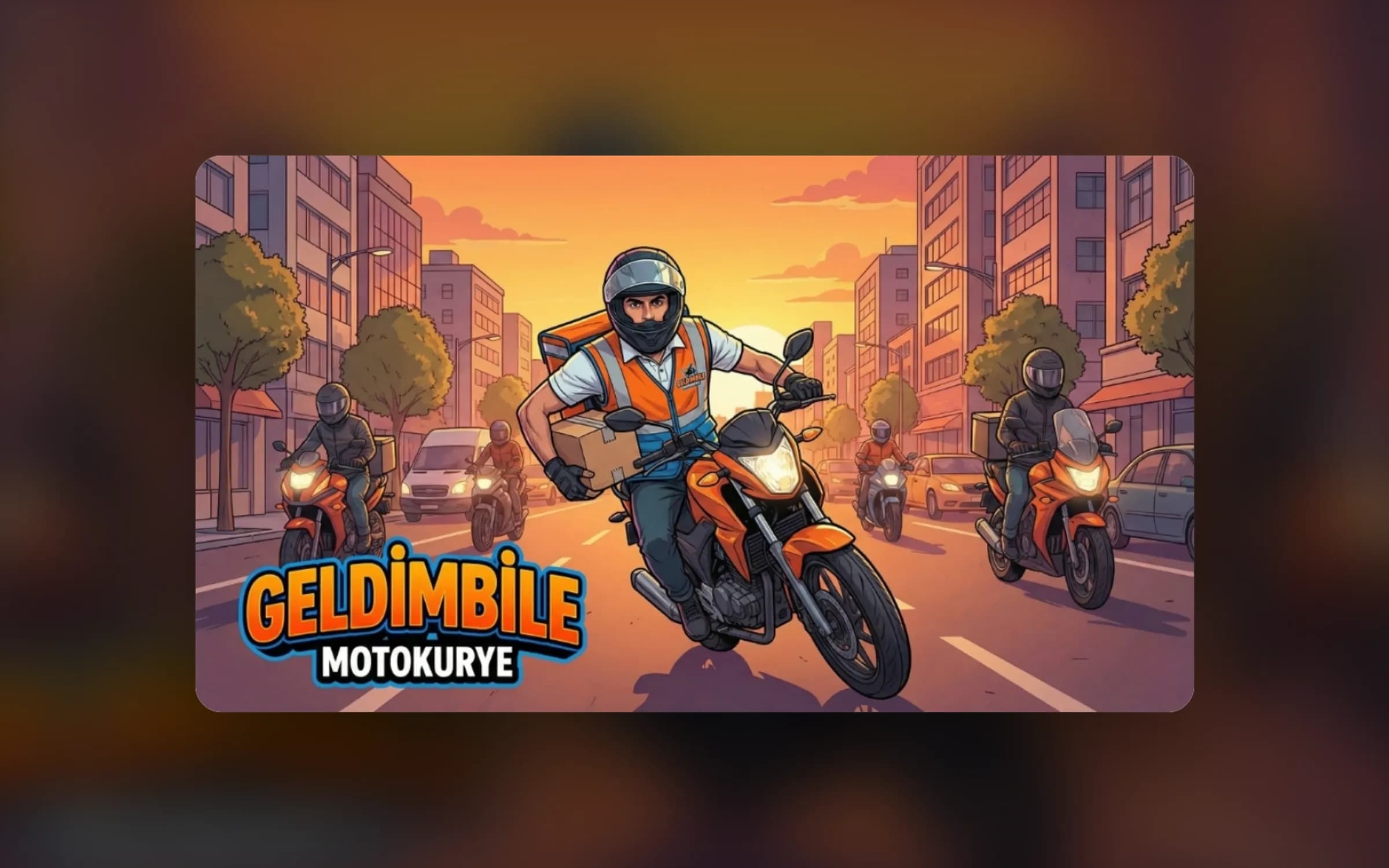
Assess gameplay through a concrete project. Geldim Bile Motokurye is a 3D mobile adventure in which the player becomes a motorcycle courier, trying to deliver a parcel through city traffic before time runs out. The project describes a Unity city, traffic and vehicles, with scenes optimised for mobile devices. The image is promotional artwork for the game. Use a similarly clear loop when explaining the goal, movement and outcome of your own idea.
Delivery games may consider mission duration, guidance and control feel together; another game may emphasise puzzle rules or level progression. Visual assets, scene behaviour and test devices can be separate items in written scope.
Geldim Bile's project page introduces existing work; your game's platform, release plan and features are defined in its own discussion. Use the artwork to explain the player experience you aim for.
Match development scope to users' devices. Our service includes native and cross-platform development for iOS and Android. React Native, Flutter and Swift are on our mobile technology list; selection depends on scenarios and device needs. A business offering the same workflow on several phones may need a different assessment from one requiring a specific device feature. Target platforms are part of the written scope.
Share users' phones and the device features they need.
Discuss information needed from the first screen to the task outcome.
Plan connectivity around daily work. Offline use depends on which data must be available on the phone. A field worker preparing a form without a connection needs separate decisions about holding it locally, sending it after reconnection and displaying the server response. A reader may need different stored information. Discovery separates offline viewing from offline transactions.
If a manager updates information centrally while a phone user works with an old record, discuss how current data is selected and which message appears. Real-time synchronisation, local storage and resending are scoped for the project.
Personal data on a device also brings access and session decisions into this assessment. Bring a real interruption example and describe what the user must complete at that moment, so we can define the necessary data flow together.
Explain what users must complete without internet access.
Discuss how central changes and information on the device should be handled.
Clarify which event should reach each user. Push notifications may support task or record states in business apps, or a learning journey in education apps. To notify an employee of an approved record, content, recipient and the screen opened are separate decisions. Permissions, preferences and sending conditions depend on project scope; we also discuss the sensitivity of information displayed on the phone.
Share which development should be communicated to which user.
Discuss the content or action users can access after a purchase.
Review release preparation alongside a working user journey. Acceptance examples can cover accounts, main tasks, errors and device conditions. Games emphasise controls and scenes; business apps emphasise record and data states. Testing how a pending record appears after a connection returns helps assess whether daily work can finish. Devices and platforms to check are discussed in written scope.
App Store and Google Play publishing are service areas; accounts, descriptions, images, permission explanations and release preparation are assessed for the project. Store review and platform conditions inform the release plan. Updates include which changes belong to each version, how faults are reported and who operates the app.
Source code and usage terms are clarified with the proposal's commercial scope. Explain your first users to connect testing and release preparation to real experience.
Assess records in business apps, and controls and task outcomes in games.
Discuss store accounts, descriptions, images and release preparation.
Bring the user's task before the screen idea. Prepare a record creation and completion example for a business app, or a short gameplay loop for a game. The ALGO case study explains learning, child and adult roles and access decisions; Geldim Bile explains tasks and 3D scenes. These examples help identify data and interaction decisions alongside design. ALGO's app interface and linked application page are in Turkish.
Share platforms, roles, offline requirements, notifications, revenue models and store preparation separately. Sending a pending field record and adding a game level are different deliverables. Include the data source if you need connections to existing tools.
The agreement explains responsibilities for use, entered data and published content. Start through the contact form with your main scenario; scope and commercial terms are discussed in writing using this information.
Decide by the user's task. We can consider a mobile site for occasional information and enquiries, or an app for regular interaction, device needs or games. Frequency and access conditions are discussed during discovery.
Assess them separately. Records, tasks and permissions matter in business apps; gameplay, controls and scenes matter in games. Acceptance examples, target devices and deliverables are defined for each scenario.
Share target devices. Native and cross-platform approaches are assessed alongside required device features and usage flows. The platforms to develop and test are specified in written scope.
Describe the offline task. Viewing content and preparing records to send later involve different scopes. Stored data, synchronisation and conflict behaviour are discussed for the project.
Assess notifications by user benefit. Events, recipients, permissions, preferences and destination screens are defined within scope. Notifying an employee that a task is approved is one distinct scenario.
Share the revenue model together with user experience. Purchasable content, subsequent access and platform conditions are assessed. Store preparation and commercial responsibilities are discussed according to proposal scope.
Plan accounts, copy, images and permission explanations. Required App Store or Google Play work and owners are agreed for the project. Platform review and release preparation form part of the plan.
Review their contexts separately. ALGO illustrates mobile learning, Beta language courses and access roles; Geldim Bile illustrates a Unity-based 3D delivery loop. ALGO's app interface and linked application page are in Turkish. Your project's platform and features are scoped separately.
Discuss commercial and maintenance scope in writing. Under the standard model, software is supplied by subscription and source code is not transferred; another model requires a separate written agreement. Fault reporting, changes and release responsibilities are defined in scope.
Prepare a concrete user scenario. Describe devices, business or game type, data sources, notifications and offline needs. A written scope proposal follows discovery; the agreement defines responsibilities for use and published content.
Reading, attention and eye exercises with Algo the mascot, plus Beta language courses in 9 languages.
A race against the clock to deliver through the city streets.
Share a daily task, your team's roles and your current tools. Together, we can define the right scope in a discovery conversation.
Start the Project