Area identity
- Greenhouse block
- Greenhouses, blocks and plots can be linked.
- Open-field plot
- Plots and crops can follow your existing naming system.
Development on request
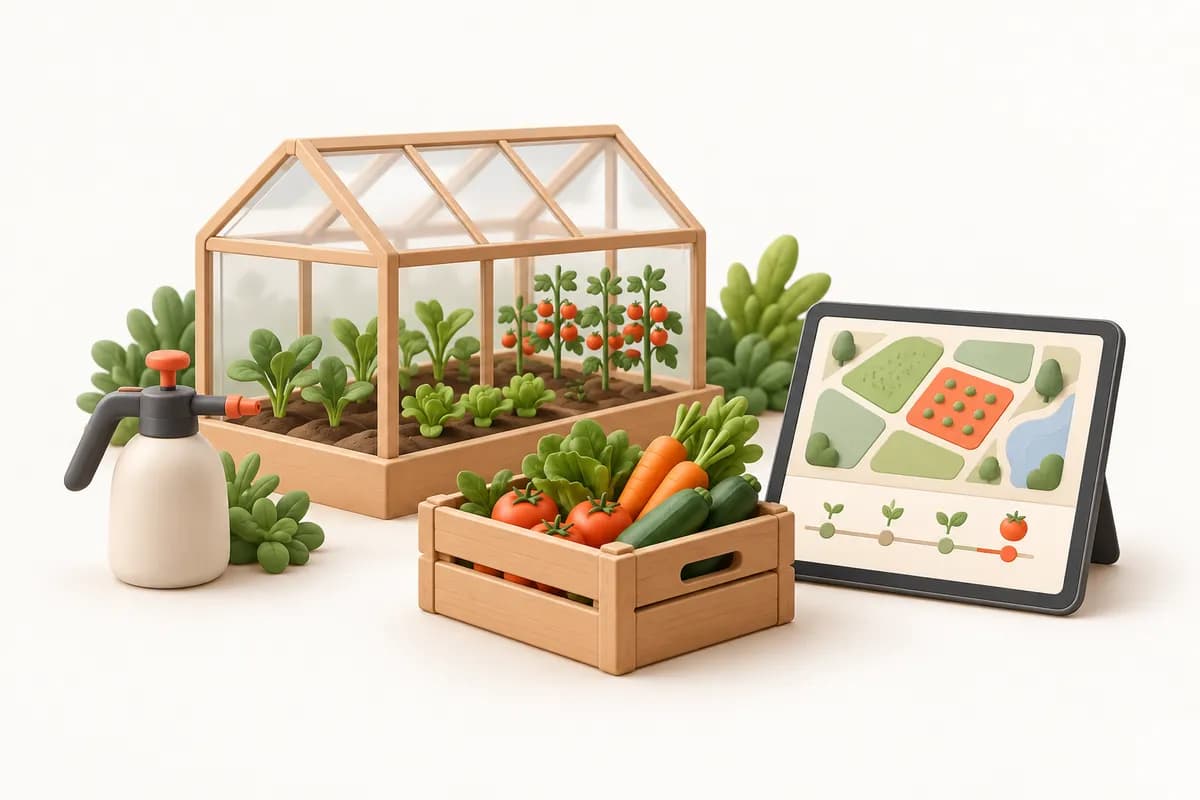
Greenhouse & Farm OperationsConsider plot activities alongside harvest batches and input costs. In the greenhouse and farming software we will build, we will connect irrigation, fertilisation, crop treatments and batches sent to buyers around your field operations.
When a buyer asks about a batch's history, you need to know which records belong to each plot. Separate treatment books, irrigation notes and harvest slips make linking activities to batches difficult. Costs held only as total expenses also prevent plot-level assessment. We will plan greenhouse, block and plot identifiers as the shared basis for activity and harvest records. States can distinguish missing historical information from new entries not yet recorded.
Let us choose recording order using one plot and season. Information staff can measure in the field differs from values supplied by authorised specialists. Comparing this flow with your notebooks will help us select required fields and checks together.
Crop, variety, planting date and area can enter a plot card. Greenhouse and block relationships will follow your business's naming arrangements.
Irrigation duration, fertiliser mixes, treatment products, doses and operators can link to the plot. Pre-harvest intervals and thresholds will follow definitions from you or your agronomist.
Quantities, grades and batch numbers can be scoped together. Tracking which buyer receives each batch and preparing its records will be designed around your needs.
Let us choose a starting point based on your recording habits. Plot and activity relationships can form a tracking scope. We will consider manual entries, requested device readings and report sources separately.
If you operate both, shared activity records can be retained while data detail is selected separately. Covered growing may need more climate records; open-field work may prioritise plot and activity histories. We will define naming and cost allocation for each around your seasonal arrangements.
| Compare recording priorities in greenhouse blocks and open-field plots | Greenhouse block | Open-field plot |
|---|---|---|
| Area identity | Greenhouses, blocks and plots can be linked. | Plots and crops can follow your existing naming system. |
| Climate data | Temperature and humidity can come from manual entries or suitable devices. | Required climate fields can be selected separately. |
| Shared activities | Irrigation, fertilisation and treatments can link to the block. | The same record types can be scoped by plot and season. |
Let us distinguish field entries from expert assessment. Operators can enter actual activities while dose and pre-harvest interval changes need a separate decision on responsibility. The software we will build can include correction histories and boundaries for authorised fields.
Activity entry, plot editing and interval definitions can have separate permissions. Agronomist checks can differ from supervisors' daily entries.
Selected batch-summary fields need not expose every business cost. Buyer contacts and expense reports can have separate permissions.
KVKK, Turkey's personal data protection law, will be considered for staff and buyer personal data; your business is the data controller. Agricultural requirements, buyer documents and inspection records will be assessed with your authorised specialists.
Before creating a batch, assess missing details in the plot's activity history. Irrigation may have been entered under another block or a treatment date reported late. We can retain corrections' links to plots and harvests. A warning can be planned when your defined pre-harvest interval has not elapsed. Its source, missing information and specialist review will be considered together; your authorised team decides agricultural activities and harvesting. Retaining reasons for changing older records is another project option.
First, examine consistency in area names. Different names for the same greenhouse can make batch links difficult. Using anonymised examples, we can select sources for plot, crop and date fields and choose how missing history will be marked.
Map greenhouse, block and plot names. Define area and quantity units separately to check which plot codes should receive old harvest slips.
Compare a harvest's quantity, buyer and preceding activities in a trial transfer. Your authorised specialist will verify interval definitions as initial data.
If sensor readings are accessible, examine missing measurements and timestamps. If offline field entry is selected, synchronisation and conflicting-record checks will be scoped separately.
Before discussing scope, identify who receives each activity report and through which document. Service and project examples can help discuss data collection and handovers within the workflow. Greenhouse measurement, specialist review and buyer summaries will be defined from your examples.
Explore how field entries and technically accessible device data could connect to record flows through our service approach.
Examine records feeding one another across responsible people; plot and harvest rules will be selected separately in the project.
Prepare a blank plot activity form, harvest slip and expense-allocation example. Remove personal information from shared documents. Explain when field entries occur and when specialists check them so we can choose first-release detail together.
The proposal will reflect record types, batch links, cost allocation and data access before plot numbers. Subscription use and support boundaries will be discussed in writing; additional development will be considered separately.
We do not sell an off-the-shelf package: we design the software around your workflow, build the first version in short steps and keep running it after launch.
We listen to how your business works, your team and the tools you use today.
Modules, priorities and price are set out in a written quote.
We show working versions at short intervals and move on with your feedback.
We move your existing records across and help your team get started.
We run the software on a subscription and keep it up to date and secure.
No. Values can be entered by phone or computer. If your greenhouse has sensors, whether their data can be brought into the software depends on the make and model; we look at this together in the discovery meeting.
We design this software as a record, tracking and alert layer: it does not open valves or switch on the heating, and your automation system carries on doing its job. If you want data read from it, whether the system allows that is examined per project.
No. You or your agronomist define the interval and the dose from the product label. The software applies the values you enter, reminds and warns at harvest time, and gives no agronomic advice.
We can design mobile entry to record offline and sync once a connection returns. Alerts reaching you naturally need a connection, so if you rely on critical alerts, a connection point at the greenhouse entrance is needed.
Irrigation, fertigation, spraying and harvest records are kept with dates and operators and can be exported. Whether they are sufficient for a certification scheme or a buyer audit is for your auditor and agronomist to judge.
Yes. Climate tracking matters less outdoors, but parcel, spraying, fertigation, harvest and cost records can be scoped to work the same way in open fields.
Activities not transferred or entered can be marked separately. Discovery will determine which records enter a batch summary and who completes missing information.
Your business determines the allocation method. Expense sources, seasons and plot shares can be defined in the project, keeping total expenses separate from plot-level assessment.
After a discovery meeting we prepare a written quote covering the scope, the modules and the setup work. The software is provided on a monthly or annual subscription.
In our standard model the software is provided on a subscription and the source code is not transferred. If you need a different model, it is agreed in a separate written contract.
We build and operate the software. The business using it is responsible for how it is used, the data entered and the content published; the details are set out in the service agreement.
Textile & Garment Manufacturing
Software we build on request for textile and garment manufacturers: colour and size breakdowns, stage tracking from cutting to packing, subcontract units, fabric and waste records.
ViewPrint Shop & Commercial Printing
Software we build on request for printers and print shops: quotes, job cards, press and finishing stages, paper consumption, waste and the real cost of every job.
ViewCatering and Central Kitchens
We build software around your kitchen that follows the flow from site headcounts to production orders, and from recipes to allergen and temperature records.
ViewShare activity and harvest examples so we can choose development scope for your business together.