Core record
- Service job
- Complaint, approved labour and used parts are considered.
- Vehicle inspection
- Component condition, measurements and test notes are scoped.
Developed on request
Vehicle Servicing & Pre-Purchase InspectionLink vehicle reception, inspection reports and work awaiting approval to the same vehicle history. In the software we will build for your workshop, your reception forms will define how registration numbers, job orders and reports relate. Lift planning and customer decisions will be tracked separately.
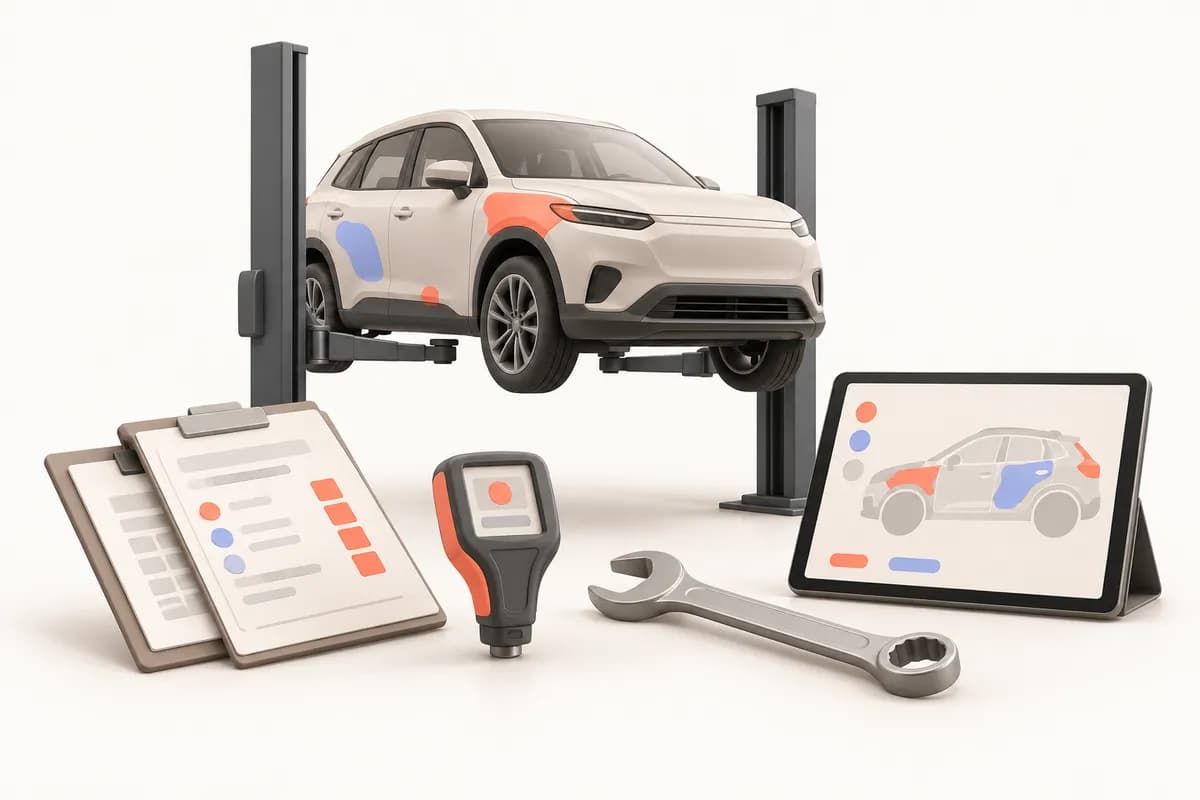
Keep reception records clearly linked to each vehicle so you can review earlier photographs of existing scratches at handover. If mileage, fuel and customer complaints remain on paper while technicians’ findings are elsewhere, the starting point becomes unclear. Separate inspection reports also mean searching again for earlier examinations.
The software we will build can cover vehicle identity by registration and chassis number, a separate reception for each visit and its documents. You will define matching rules for changed registrations or missing chassis details. We will distinguish the customer’s complaint from the technician’s findings so the reason for opening the job order can be traced.
At morning reception, first clarify whether the customer wants an inspection alone or the recommended repair too. This distinction starts our sample day. Using your reception form, report template and labour list, we will discuss who must provide information at each stage. Scope will also allow responsibility for the same job order to be updated when another technician takes over during the day.
Mileage, fuel, existing damage and complaints could be linked at reception. Inspection findings and paint measurements will follow your checklist.
Labour and parts could be presented for customer decisions. Approved tasks could be assigned to a technician and lift; missing parts could have a separate waiting status.
Completed work, used parts and handover explanations could join reception records. Uncompleted recommendations and later maintenance reminders will be discussed during discovery.
Vehicle reception and approved job orders could form the first release. If you also provide inspections, measurements will belong to a separate report; a finding will not count as a completed repair. Share part names, labour descriptions and checkpoints to select mandatory fields. Lift and technician planning detail will follow your assignment practices. Report corrections and new inspections will be scoped as different actions.
The same vehicle may receive both services, with different documents and closing checks. Repairs focus on interventions and parts used. Inspections focus on findings and measurement sources. You can combine both workflows within vehicle history while separately deciding who finalises a report and who authorises repairs. This comparison helps select which fields belong to each document in the scope we will build.
| Repair orders and inspection reports need different closing checks | Service job | Vehicle inspection |
|---|---|---|
| Core record | Complaint, approved labour and used parts are considered. | Component condition, measurements and test notes are scoped. |
| Reason for waiting | Customer decisions or supplier orders could be tracked. | Missing measurements or incomplete checks could be distinguished. |
| Closing check | Interventions and handover explanations could be reviewed. | Report fields and the inspecting person could be checked together. |
Adviser conversations, technician intervention records and management cost reviews need different access. The project could distinguish viewing a vehicle file from changing a closed report. Select who may download photographs, revise quotations or reopen old job orders during discovery. Daily information and decisions requiring management authority can then be scoped separately.
Advisers could handle reception and quotations; technicians could access assigned tasks, measurements and intervention notes.
Revision reasons, changed values and the person responsible will be planned alongside stock consumption and return permissions.
KVKK, Turkey's personal data protection law, photo retention, customer communication and SMS permissions are considered in scope. Your business retains data-controller responsibility.
A technician may identify a part that was absent from the first quotation. A separate revision and decision step can be scoped rather than silently adding it to the original approval. You will select the explanation, part and labour details shown to the customer. The person recording the decision, date and method could be linked to that revision.
The design can distinguish existing work that may continue from new interventions awaiting a response. A rejected recommendation could remain in the history without being closed as completed work. If parts were reserved, consumption or return-to-stock decisions could be recorded separately. We will also define how waiting affects lift use.
Your lists may contain registration variants, undated photos or multiple reports in one file. We will distinguish vehicle identity from workshop visits at the start of migration. Open orders, reserved parts and closed inspection reports could use separate checklists. An anonymised sample of your existing file will help us discuss which fields can be transferred reliably.
Potential duplicates could be reviewed. An authorised person could decide whether records with missing identity information should be merged.
Report dates, reception photos and open orders could be compared in a sample migration. Parts balances and pending orders will be transferred separately.
Device export fields will be reviewed. Enquiry services or Turkey’s e-Fatura e-invoice system depend on provider access; file-based working can also be discussed.
Explore our automation service when deciding at which stages vehicle files should change. Describe approval waits, stock movements and handover checks using your own workshop example. The published article below helps you consider repeated tasks and decision points together. Use these resources to make the scope of our discussion concrete.
Let us begin with a blank reception form, an anonymised inspection example and your additional-work quotation format. Explain lift assignments and what you track when vehicles await parts. The first release of the software we will build will follow the actual decisions in these documents. Stock detail and maintenance messages can be assessed separately as later needs.
The quotation will explain reception, approvals and reports separately. Subscription use, support and any alternative contractual model will be discussed in writing.
We do not sell an off-the-shelf package: we design the software around your workflow, build the first version in short steps and keep running it after launch.
We listen to how your business works, your team and the tools you use today.
Modules, priorities and price are set out in a written quote.
We show working versions at short intervals and move on with your feedback.
We move your existing records across and help your team get started.
We run the software on a subscription and keep it up to date and secure.
That depends on the model. For gauges that can export readings, transferring the values into the report is scoped; otherwise readings are entered by hand. Either way, we design it so that any later change to an entered value leaves a trace.
Yes. The inspection report and the service job card are separate documents but attach to the same vehicle record. When a vehicle that was inspected earlier comes in for servicing, its history appears on the same screen.
Yes. Checkpoints, sections, explanatory text and the report layout are defined with you. We settle the report content during discovery on the basis of the regulations that apply to you and your own service standards; assessing regulatory compliance remains with you.
The software records who gave approval, when and for what, and produces it as a document. How that record would be treated in a dispute is a legal matter, and we recommend clarifying it with your legal adviser.
If a service that provides this information offers a lawful interface, connecting it is assessed within the project scope. Without a connection, the result of a check is entered by hand or attached to the report as a document.
The design could keep initial approval separate from the new recommendation. Your workshop determines which interventions can proceed independently; rejection and unperformed work will be linked to the relevant revision.
A matching workflow could let an authorised person review chassis and existing vehicle details. The old registration can remain in historical records while new reception links to the same vehicle.
After a discovery meeting we prepare a written quote covering the scope, the modules and the setup work. The software is provided on a monthly or annual subscription.
In our standard model the software is provided on a subscription and the source code is not transferred. If you need a different model, it is agreed in a separate written contract.
We build and operate the software. The business using it is responsible for how it is used, the data entered and the content published; the details are set out in the service agreement.
Car Rental & Fleet
We build software that tracks availability, agreements, handovers and maintenance for every vehicle in your fleet, shaped around the way your branches work.
ViewCar Park & Valet Operations
Software we build on request for car parks and valet services: vehicle entry and exit, tariff calculation, season ticket holders and the shift cash-up in one record.
ViewGrocery & Corner Shop
Software we build on request for grocers and corner shops: barcode sales, stock, a digital credit book and what you owe your wholesalers, all kept in one place.
ViewLet us prepare your service scope using an example from reception through additional-work approval to handover.