Ready to use
Gyms and Fitness StudiosGym Software
Members, check-ins, renewals and payments in one panel. Gym software that helps you spot members drifting away before their membership ends.
- Member management
- Check-in and kiosk mode
- Members at risk
- Renewals and payments
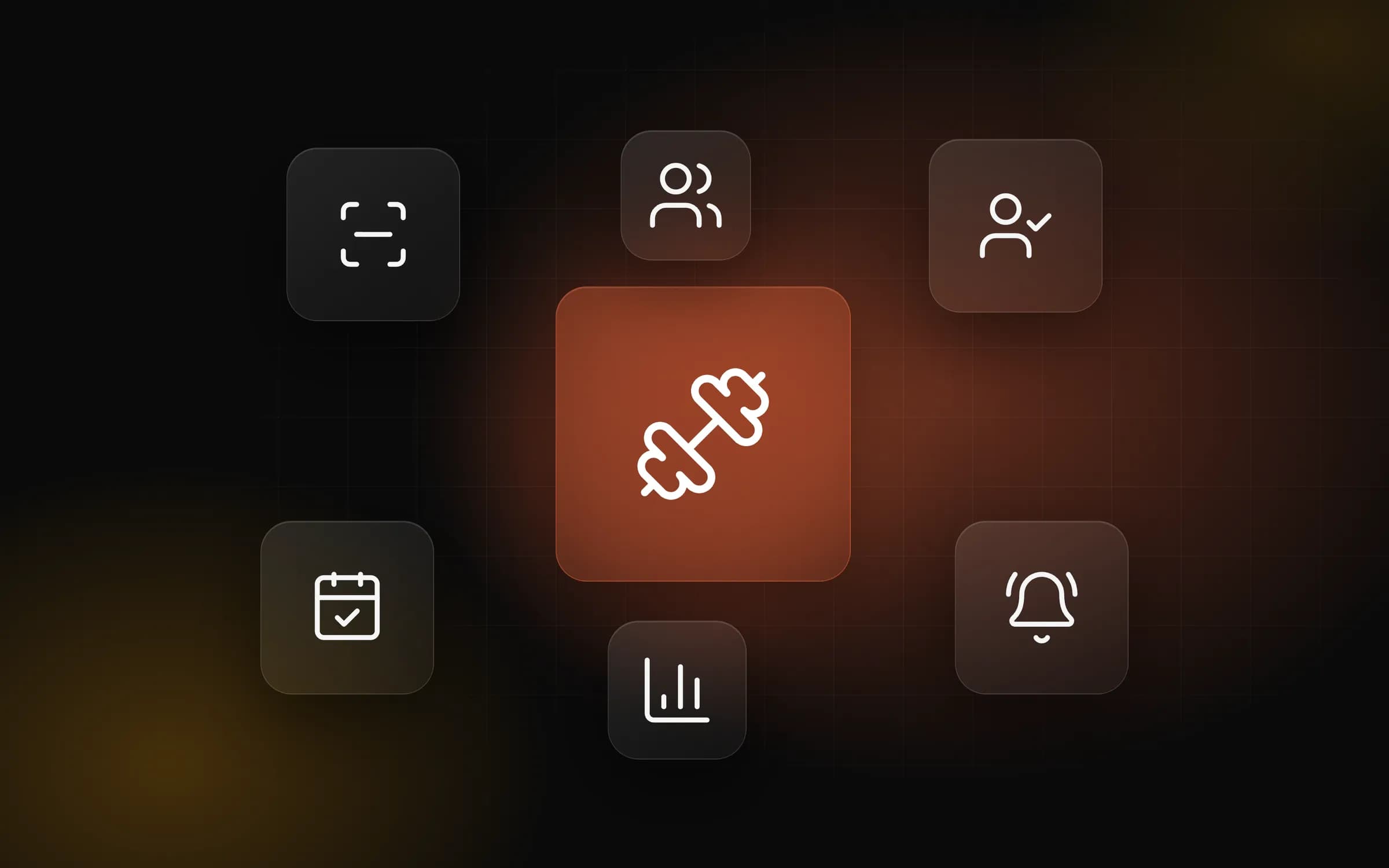
What it does
Member management
Membership, package and remaining-time tracking; package rules are defined once and enforced by the software.
Check-in and kiosk mode
Member check-ins are recorded on a screen running in kiosk mode at the entrance.
Members at risk
Members who visit less often are listed, and win-back calls are planned for the team.
Renewals and payments
Upcoming renewals and pending payments on one list, right in front of the team.
Tasks and notifications
Tasks and reminders for the team, so everyone knows who does what and when.
Roles and reports
Owner, manager, reception, accounting, trainer and personal trainer roles; reports in the same panel.
A closer look
Why member loss is noticed too late
In most gyms, a member who is drifting away is only noticed once the membership has ended, and by then winning them back is hard. Check-ins are kept in one place, renewal dates in another and payments on a separate list. Seeing who has stopped coming means putting this information together by hand, and in a busy week that job keeps getting postponed.
How the software makes it easier
Check-ins and membership periods are tracked together. Members who visit less often, or whose membership is about to end, move to the top of the team's list, and win-back calls can be planned. Upcoming renewals and pending payments appear on the same list, and tasks and reminders are created for the team.
At the entrance, a screen in kiosk mode records check-ins. Memberships, packages and remaining time are tracked in the system, and package rules are enforced by the software. Owner, manager, reception, accounting, trainer and personal trainer roles work in the same panel, where the reports also live.
One foundation, two kinds of studio
The gym software shares its cloud foundation with our beauty salon software, which is in live use, and it runs in the browser. Your members' details, check-ins and payments come together in one place instead of three.
Frequently asked questions
How does it help us notice members leaving?
Check-ins and membership periods are tracked together. Members who visit less often or whose membership is about to end move up the team's list, and win-back calls can be planned.
How is it used at the entrance?
A screen running in kiosk mode at the entrance records member check-ins. These records are tracked together with membership periods, which is how the risk of leaving is worked out.
How are package and membership rules applied?
Memberships, packages and remaining time are kept in the system. Package rules are defined once and the software applies them to every transaction.
Which roles are there?
It works with owner, manager, reception, accounting, trainer and personal trainer roles. Reports are in the same panel.
How does it relate to your beauty salon software?
The gym software shares its foundation with our beauty salon software, which is in live use. Both are cloud-based and run in the browser.
How can I buy it?
Online ordering will open on this page soon. For now, request a demo and we will send you the right package and its price in writing.
Do we receive the source code?
In our standard model the software is provided on a subscription and the source code is not transferred. If you need a different model, it is agreed in a separate written contract.
Who is responsible for what is done with the software?
We build and operate the software. The business using it is responsible for how it is used, the data entered and the content published; the details are set out in the service agreement.
Related products
Beauty Salons and Wellness
Beauty Salon Software
Manage appointments, clients, package sessions and payments in one panel. The interface is in Turkish and built for salons in Turkey; recorded amounts are in Turkish lira (₺).
ViewSpeed Reading and Online Learning
Algoritma Akademi
Speed reading and focus programmes of about 15 minutes a day, video lessons, practice exams and topic tests. Students, parents, teachers and schools on one platform.
ViewAppointments and Client Management
AI-Assisted Smart Appointment System
We build an appointment system around your business that brings online booking, staff and room calendars, reminders and a waiting list together, with optional AI assistance.
ViewLet's talk about Gym Software
Write to us for a demo: we will walk through the screens together and find the right package.
How we built it →- Member management
- Check-in and kiosk mode
- Members at risk
- Renewals and payments