Expected input
- Preparing staff
- Client documents will be linked to preparation tasks.
- Authorised reviewer
- Prepared work and the firm’s checklist are considered together.
Developed on request
Accounting & Tax PracticeReview each client’s accounting period, missing documents and work awaiting checks together. We will define filing states in the software we will build around your firm’s workflow. Its office scope will connect documents, tasks and fees alongside your accounting records.
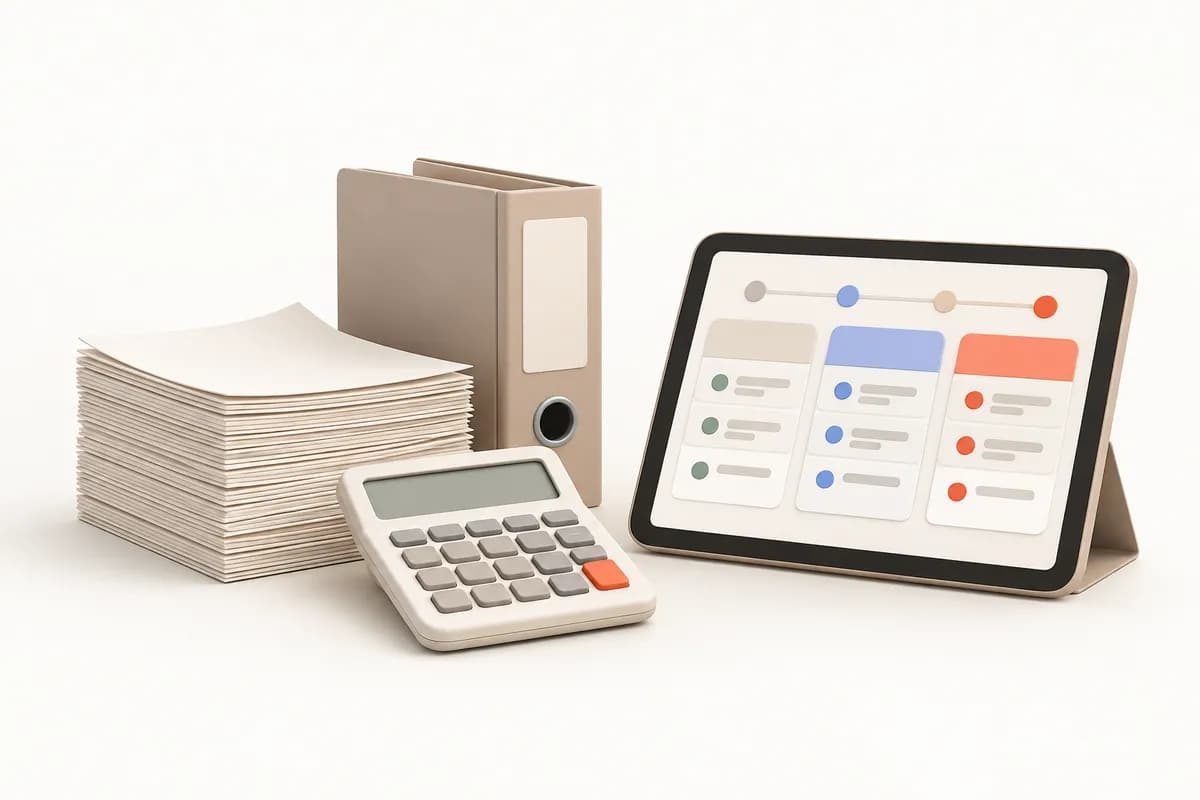
Keeping expected work explicit by client and period is a design goal for reducing status enquiries within the team. Invoices in messages, bank movements in emails and payroll details in other folders can obscure who was asked for missing documents. Preparation by staff and review by an authorised person also need separate stages.
The software we will build will link clients, periods and work types. Waiting for documents, in progress, under review and submitted will follow your terminology. You define deadlines and checklists. Result documents, such as Turkish tax assessment slips, could join the relevant period. Monthly advisory fees and filing progress will have separate records.
Our sample month begins with opening a client’s document list. Show what your firm expects and how incoming documents are checked. Preparation, review and submission through an external system will be separate stages. We will define which post-submission documents join the period around your procedures. Responsibility for work waiting on missing documents will also be selected.
Client-specific document lists and firm-defined deadlines could be scoped. Received and missing documents could be tracked within the same period.
Preparers and authorised reviewers could be defined separately. Reasons for returning work and rechecks could link to task records.
Submission takes place in the relevant external system. Staff-entered status and result documents, such as assessment slips, will be scoped into the period archive.
The first release could include client records, period tasks and document lists. We will clarify its daily tracking role alongside your accounting program’s record-keeping role. You can select reference-only fields to avoid unnecessary duplication. Fee collections, workload and client views could be extended as separate needs. Decisions on return contents and deadlines will be scoped around rules your firm defines.
Leaving preparation must not imply review is complete. If different people handle the roles, state changes and feedback can be designed separately. The stages will remain even where one person does both. The board we will build will use fields selected together to assess workload by waiting stage as well as file count. Review outcomes and external submission records will also be treated separately.
| Distinguish preparers from the person checking before filing | Preparing staff | Authorised reviewer |
|---|---|---|
| Expected input | Client documents will be linked to preparation tasks. | Prepared work and the firm’s checklist are considered together. |
| Returned requirements | Requests for missing documents could link to responsible people. | Correction explanations could return to preparation. |
| State change | Readiness for review could be recorded. | Review decisions and remaining submission steps could be distinguished. |
Uploading documents for an assigned client need not grant access to the whole firm’s fee balances. The project will select assignments, roles and document actions together. Trainee uploads, staff status updates and authorised review decisions could use different permissions. You can define period visibility during handover and export rights.
Assigned documents and work states could follow task scope. Previous responsibility could remain in the history after handover.
Changing reviews, reopening closed periods and adjusting fee balances will be designed with separate permissions.
KVKK, Turkey's personal data protection law, document retention, Turkish fiscal requirements and messaging permissions are scoped. Your firm determines client-visible information.
A client’s documents may remain incomplete near the deadline. Waiting for missing documents and waiting for review will be scoped as different states. You will define what is missing, who was asked and the firm’s next action. Authorised staff set deadline and priority information; the software will be designed to track those decisions.
Later arrivals could join earlier waiting notes without deleting them. A handover workflow can help new staff identify documents needing another check. Your firm selects the review and evidence required for “submitted” status. Reminder contents, recipients, permissions and provider access will be considered separately.
Migration will review client identity, period and work type together. If an old table only says “complete”, we will clarify its meaning with your firm. Fee balances and missing-document needs may have separate opening records. Sample loads will check result documents against the correct client and period. You select necessary fields and archive detail.
Existing columns and office stages could be compared. Missing periods or responsibility details could be flagged for review.
Result links, open work and advisory fees will be checked separately. Mapping will use anonymised data.
Accounting or electronic-document fields depend on provider access. File transfers, manual status entry and error checks will be discussed separately.
Repeating a monthly cycle across clients needs clearly defined tasks and states. Our automation service explores decisions and data in recurring work. The workflow article offers starting points for monthly decision and review stages. Before our conversation, identify which states require documents and which actions require authorised review.
Share an anonymised period table, expected-document list and result archive example. Explain what happens when missing documents arrive on the final day. We will select the first scope through tracking, tasks and documents. Fee management, client views and external transfers will be discussed as separate development needs.
The quotation will follow the office tracking layer’s defined boundaries. Subscription, migration and support conditions will be scoped and discussed in writing.
We do not sell an off-the-shelf package: we design the software around your workflow, build the first version in short steps and keep running it after launch.
We listen to how your business works, your team and the tools you use today.
Modules, priorities and price are set out in a written quote.
We show working versions at short intervals and move on with your feedback.
We move your existing records across and help your team get started.
We run the software on a subscription and keep it up to date and secure.
No. Returns are filed through the Turkish Revenue Administration's own systems (GİB e-Beyanname) and that process stays there. The software tracks the stage each return has reached, the document flow and the archive. Transferring information such as accrual slips is scoped per project; we make no claim of an official GİB integration.
No. We design this software as a practice management layer that runs alongside your accounting software, which keeps doing the bookkeeping. If data needs to move between the two, that is handled per project.
Bringing incoming documents into the software can be included in the scope, depending on what your e-invoicing provider or the GİB portal offers. We look at which route is possible together during discovery.
If included in the scope, clients can see the list of documents expected from them on a screen, or receive email or SMS reminders. You decide what is shared and how the reminders are worded.
Staff can be given access only to the clients assigned to them, distinctions such as upload-only rights for a trainee are possible, and access is logged. The software is designed to support the lawful processing of personal data under KVKK, the Turkish data protection law; your practice remains the data controller.
No. It does not give tax advice or interpret the content of returns. Your practice defines the dates, checklists and workflow; the software tracks and reminds according to those definitions.
Requests and later documents could link to the same period as separate records. Waiting explanations will be preserved in the design; authorised staff determine the next review and submission steps.
Open work could be scoped for reassignment. Previous responsibility, handover explanations and expected documents remain linked to the period, while access is reconsidered around your firm’s roles.
After a discovery meeting we prepare a written quote covering the scope, the modules and the setup work. The software is provided on a monthly or annual subscription.
In our standard model the software is provided on a subscription and the source code is not transferred. If you need a different model, it is agreed in a separate written contract.
We build and operate the software. The business using it is responsible for how it is used, the data entered and the content published; the details are set out in the service agreement.
Law Firm & Legal Practice
We build practice management software that brings case and enforcement files, deadlines, documents, expenses and client communication together, shaped around how your firm works.
ViewHealth & Safety Services
We build software that tracks risk assessments, training and medical examination dates, site visits and accident records for every workplace you serve, on one dashboard.
ViewSecurity Services & Shift Management
We build software that brings post rosters, working and rest hours, patrol rounds, incident logs and officers' licence dates together in one place, shaped around your company.
ViewLet us prepare accounting practice software scope using documents, checks and result archive examples.