Receiving input
- Quantity and location
- Product barcode, quantity and location needs are assessed.
- Batch and expiry
- Batch, required serial details and expiry fields are selected separately.
Locations and movements for your warehouse
Warehouse & Stock OperationsConsider total stock, its shelf location and the batch picked together. We will scope the warehouse software we will build around your receiving, put-away, dispatch and counting procedures.
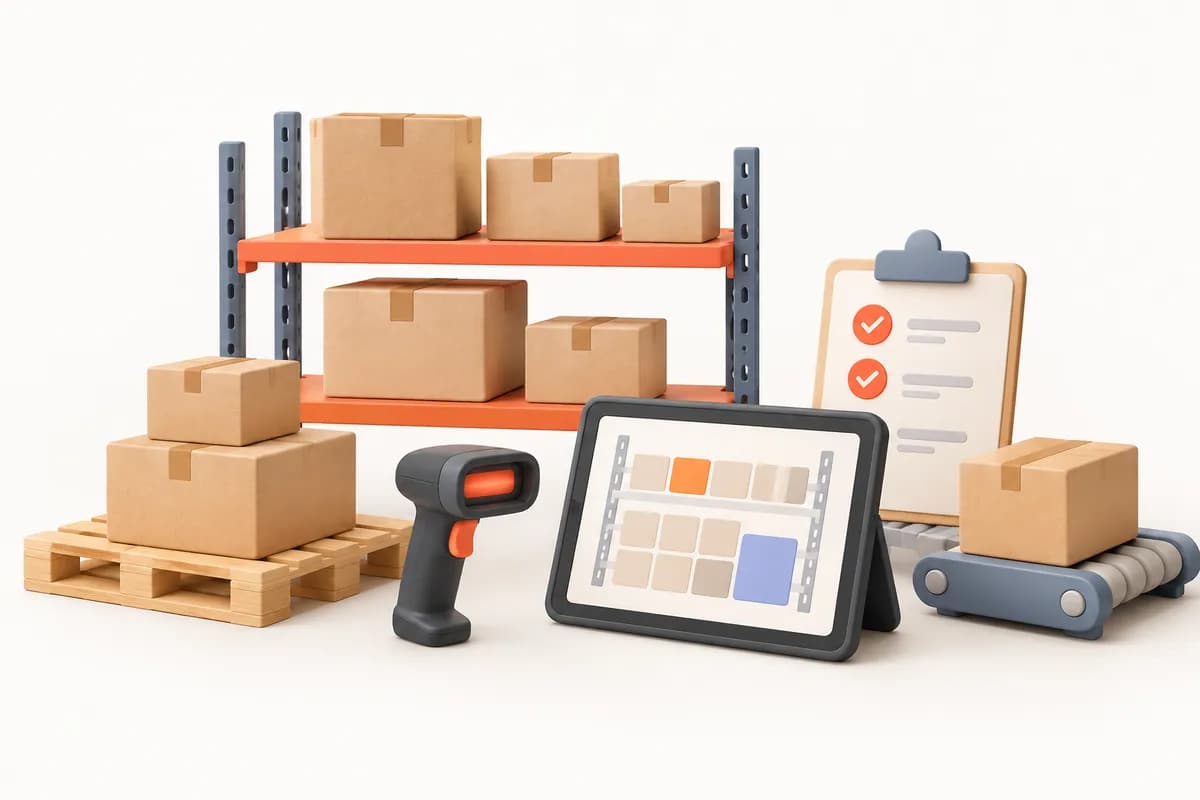
A stock list may show the correct quantity without identifying its bin. When the person who knows the shelves is absent, picking becomes harder to hand over. Mixed batches also make dispatch checks difficult to resolve from a product name alone. The software we will build will link product records, shelf addresses and stock movements. Your zone and aisle layout will guide the location structure. From receiving to count adjustments, we will scope quantity changes and physical-location checks as different checkpoints.
Consider incoming goods that will later be picked for an order. Comparing deliveries with orders or delivery notes, scanning the put-away location and selecting the correct batch are different checks. We will determine their sequence around the people responsible. Your prioritisation method for expiry-controlled products will be scoped separately. The final packing-bench check could be linked to the completed picking list. Dispatch documents and external carrier connections will also be assessed separately against technical conditions.
Order or delivery-note comparison, barcodes and required batch fields could be included. We will select how shortages and excess deliveries are recorded.
Moving goods to a bin could include a location check. Picking lists in shelf order and item-scanning steps will be defined separately.
A final barcode check could be included for packed orders. Dispatch documents and carrier connections depend on available access.
We can begin with the aisles you need most and connect receiving to picking. We will select the transition sequence with you. In the software we will build, serial and expiry information need not be mandatory for every product. We will define required fields by product type. Multiple warehouses or stock owned by other companies call for separate discussions about warehouse and ownership boundaries. Links to total quantities in accounting will be assessed separately from internal shelf movements.
For some products, the main question is how many units occupy each shelf. With batches or expiry dates, you also need to know which batch those units belong to. Your product groups will guide the fields for receiving and picking. Suggesting the earliest-expiring goods first could implement a method you define. Scanning a product code may suffice for one group while another needs batch verification. Together, we will select checks that avoid unnecessary fields.
| Compare quantity-based stock with batch and expiry tracking | Quantity and location | Batch and expiry |
|---|---|---|
| Receiving input | Product barcode, quantity and location needs are assessed. | Batch, required serial details and expiry fields are selected separately. |
| Picking check | The correct product is matched to its bin. | The selected batch and priority method could also be checked. |
| Counting detail | Quantity differences are reviewed by location. | Batch distribution within a location could also enter the review. |
A picker reporting an unavailable item should not automatically change stock. In the software we will build, reports, rechecks and authorised adjustments will be treated as separate permissions. Warehouse, dispatch and management roles will follow your workflow. KVKK, Turkey's personal data protection law, retention and access needs for delivery addresses and employee activity are considered within scoping. Financial documents, specialist stock or customs requirements will also enter the scope discussion where relevant. Permission to export movement records will be defined separately.
Assigned orders, required shelf details and shortage reporting could be included. Authority to resolve count differences will be considered separately.
Put-away, packing approval and counting tasks will be selected. Roles for cancellation or repicking decisions will be defined separately.
Adjustment approvals and activity history will be discussed. Your business is the data controller for delivery and employee information; regulatory needs are scoped.
A product missing during picking may be in another location rather than requiring a stock reduction. Count discrepancies need movement-history and physical checks. The project could separately address missing-item reports, alternative locations and quantities still open on the order. You will explain how repicking or partial-dispatch decisions are made. For count differences, the counter, location, date and previous movements could be reviewed. Authorised adjustments and dispatch decisions could remain separate, with responsibilities selected together.
If an old stock total does not explain shelf distribution, we will separate product migration from located opening stock. Barcode, unit and name consistency can be reviewed in a sample file. Your existing locations and batch records will guide the opening count scope. We will also check which stock supports outstanding orders. If an accounting connection is available, mapping exported quantities to internal shelf movements will be assessed against separate acceptance criteria.
Names, units and duplicate barcodes could be compared. Existing codes or internal barcodes will be selected by product group.
Match sample aisle shelves and bins to quantities. Missing batch and expiry records could form a separate opening review.
If your ERP provider offers access, we will discuss the quantity source. File imports and failed-movement checks could also enter technical scoping.
Receiving, picking and dispatch use the same stock record for different tasks. Our automation service and published workflow article offer a starting point for considering these transitions. Your own examples will define locations and product characteristics. Explain who checks a short-pick incident so we can determine how adjustment and dispatch decisions should be separated in the first release.
Let us start with your shelves, a blank receiving form and a picking list without personal data. Identify products needing batch or expiry details and the person who approves count adjustments. In the software we will build, we will first select the relationship between located movements and dispatch checks. Multiple warehouses, stock ownership and external connections will be considered separately according to need.
The quotation will reflect product characteristics, warehouse layout and selected technical access. Subscription use, support and later scope requests will be discussed in writing.
We do not sell an off-the-shelf package: we design the software around your workflow, build the first version in short steps and keep running it after launch.
We listen to how your business works, your team and the tools you use today.
Modules, priorities and price are set out in a written quote.
We show working versions at short intervals and move on with your feedback.
We move your existing records across and help your team get started.
We run the software on a subscription and keep it up to date and secure.
Addressed locations are the foundation of this software, but they do not have to be set up in one go. Usually you start with the busiest aisle and address the rest gradually while the warehouse keeps running. We draw up the addressing plan with you after seeing your warehouse during discovery.
Not necessarily. We can design the software to work with Android handheld terminals as well as phone cameras. Handhelds are practical in busy warehouses, and you can start with phones and move to terminals later. The hardware choice is settled during scoping.
If a product carries a barcode, that barcode is used. Products without one get an internal barcode with a label printed from the software, and bin labels are printed the same way.
That depends on the interface your system provides. We discuss which system you use during discovery and decide during scoping whether it will be a direct connection or a file transfer.
No, and no software can promise that: breakages, samples and mis-scans happen in every warehouse. The aim is for variances to be explainable. After a count you have a list showing on which line, at which location and after whose transaction each difference arose.
This can be included. Transfers between warehouses are recorded, and if you store goods for other companies, stock is separated by owner with a movement statement for each one.
Short-pick reporting could remain separate from adjustment. We will define decision-making roles around your warehouse method after checking alternative locations, recounts and the order’s remaining quantity.
The project could distinguish picked, dispatched and outstanding quantities. We will select partial-dispatch approval, packing checks and conditions for returning remaining items to a picking list together.
After a discovery meeting we prepare a written quote covering the scope, the modules and the setup work. The software is provided on a monthly or annual subscription.
In our standard model the software is provided on a subscription and the source code is not transferred. If you need a different model, it is agreed in a separate written contract.
We build and operate the software. The business using it is responsible for how it is used, the data entered and the content published; the details are set out in the service agreement.
Technical Service & Device Repair
We build software that follows every device from booking-in to collection, shaped around the way your workshop and field technicians actually work.
ViewCarpet Cleaning Plants
We build software that follows every carpet you collect from its label to its return, organised around the stages in your plant and the rounds your vans make.
ViewWater Purifiers & Scheduled Servicing
We build software that tracks when every filter you have fitted is due and plans your technicians' visits, organised around the way your dealership works.
ViewUse your location and checking examples to define the first development scope for your warehouse.